
If you’ve searched for a Ms. Rachel Yoto card, you’ve probably realized… it doesn’t exist (yet).
In order to reduce screentime, I wanted to buy a Ms. Rachel Yoto card so my daughter could get her fill without the tv on. I knew I would have to make my own Yoto card.
Making your own Yoto card is actually quite easy, assuming you have the audio files.
I spent way too long piecing everything together, so I decided to save other moms the effort.
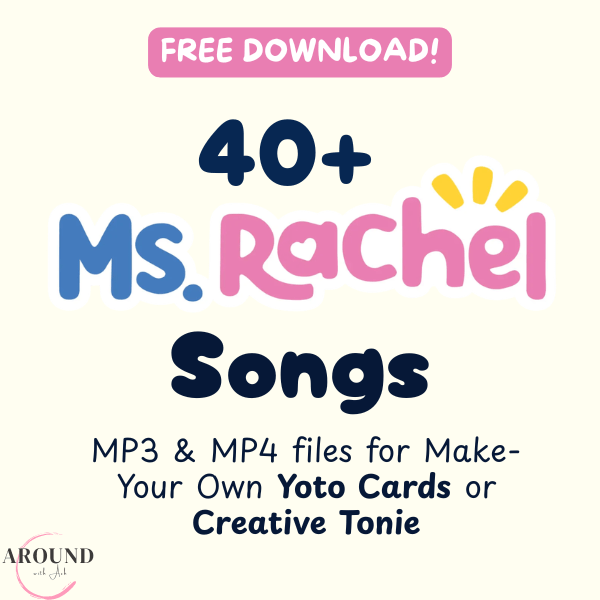
I put together a collection of 40+ Ms. Rachel songs, formatted and ready to use for your own Yoto card (or even a Creative Tonie). You can just download, upload to your playlist, and you’re done. Better yet? It’s FREE! #MomsHelpingMoms
Click the image below to download the file from Gumroad. You have to “purchase” it but it’s free, and you’ll get the link to the Google Drive folder right away.
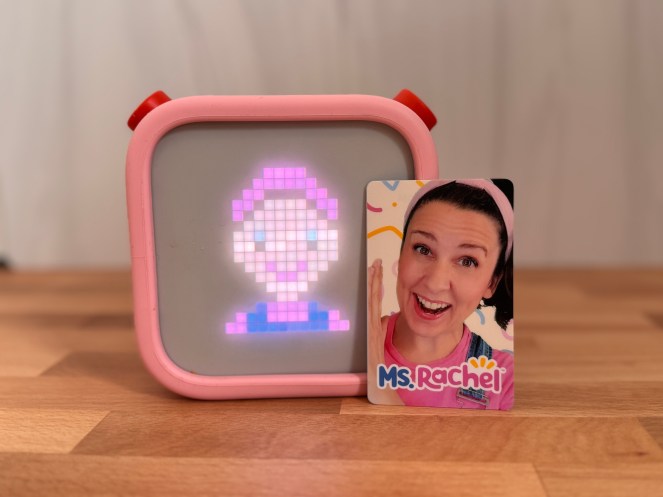
It’s been such a game-changer for us. My daughter gets her fill of Ms. Rachel and doesn’t ask for the tv! We can even listen in the car if we want to.
If you’ve been looking for a Ms. Rachel Yoto card, this is the easiest way to make one yourself.
Since I don’t have a color printer, I purchased a Ms. Rachel Yoto card label from here. Additionally, I downloaded some Ms. Rachel specific Yoto pixel art icons from Yoto Icons. I’m completely unaffiliated with these two sources, just wanted to share what worked for me.
Happy listening!
Discover more from Around with Ash
Subscribe to get the latest posts sent to your email.

 Around with Ash
This is awesome, thank you!!!
LikeLike
Of course! Happy to help 🤗
LikeLike